StationOneS
StationOne
Apr 12

Template selection Double up

Our templates have been made up, for example 'Pumper Weekly Inspection' or 'Pumper Monthly Inspection'. When members select inspection from the dashboard > Pumper weekly Inspection > then it should have the option to auto populate the vehicle it is assigned to rather then having to select the vehicle again in the second drop down box.
ClosedClosed

Apr 14, 2026

Members should be accessing the inspection via the Station Portal, selecting the relevant vehicle i.e. Pumper then starting an inspection. If the vehicle has multiple inspections associated, then the user can select which vehicle inspection they are doing.

Apr 14, 2026

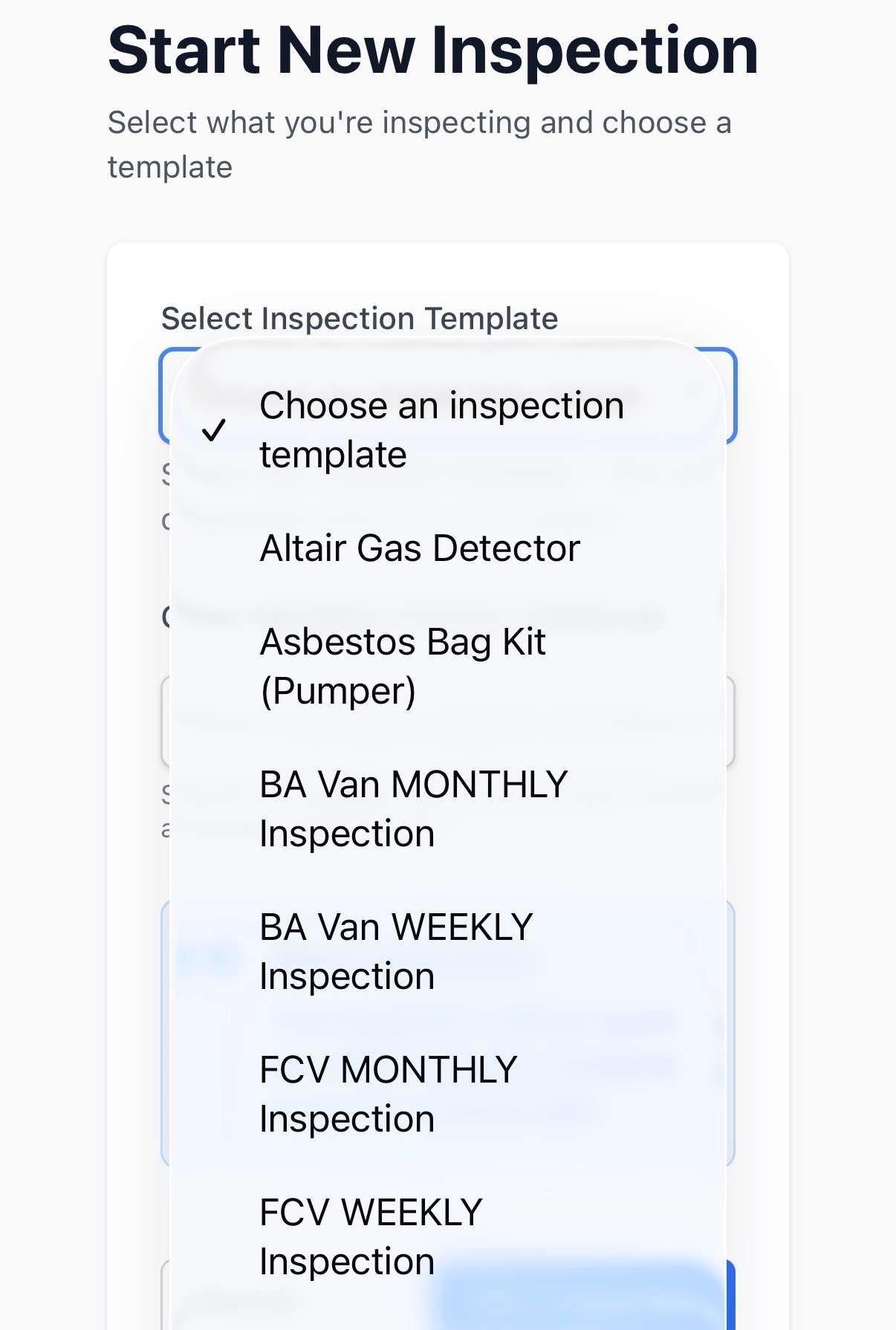
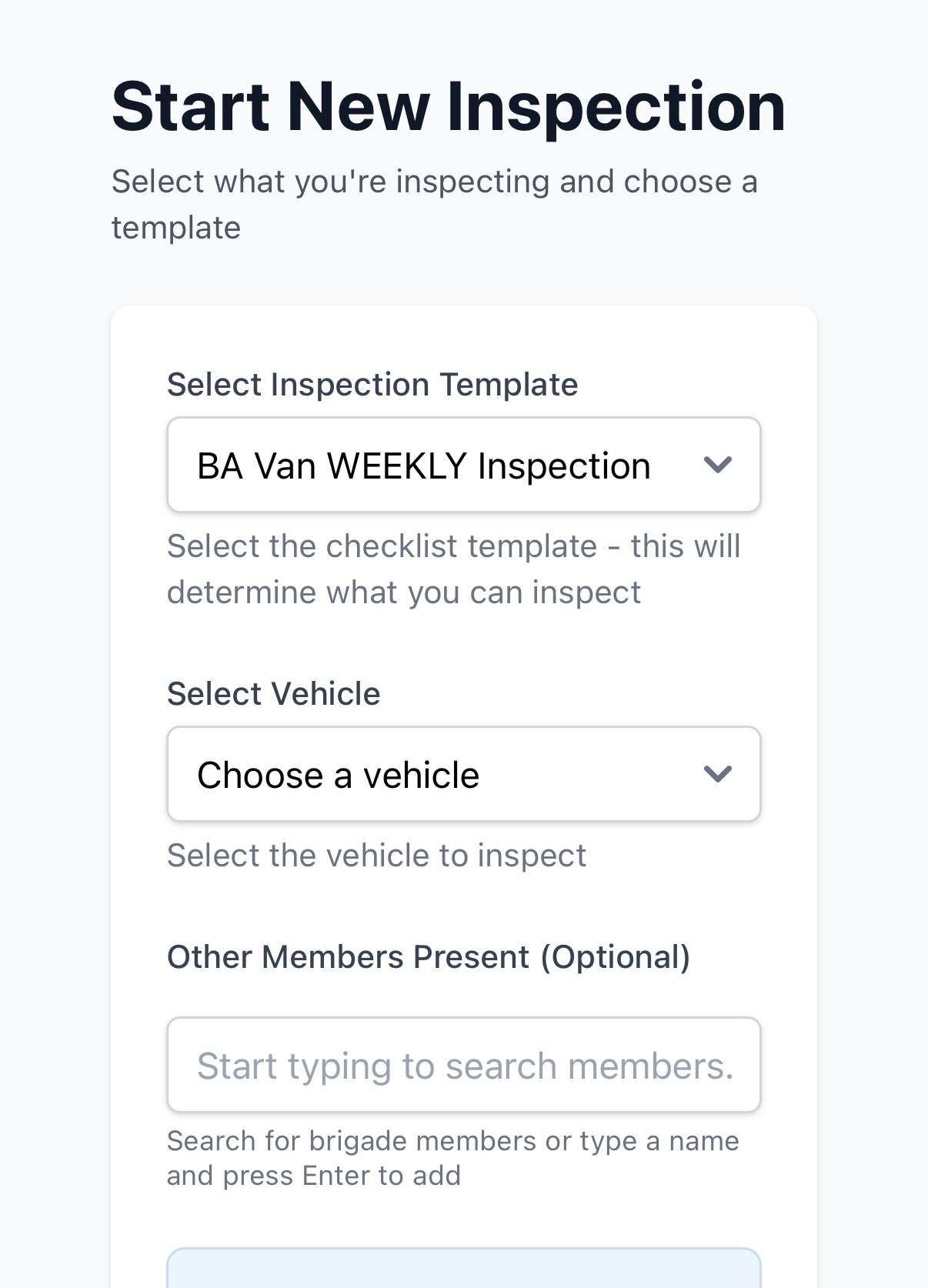
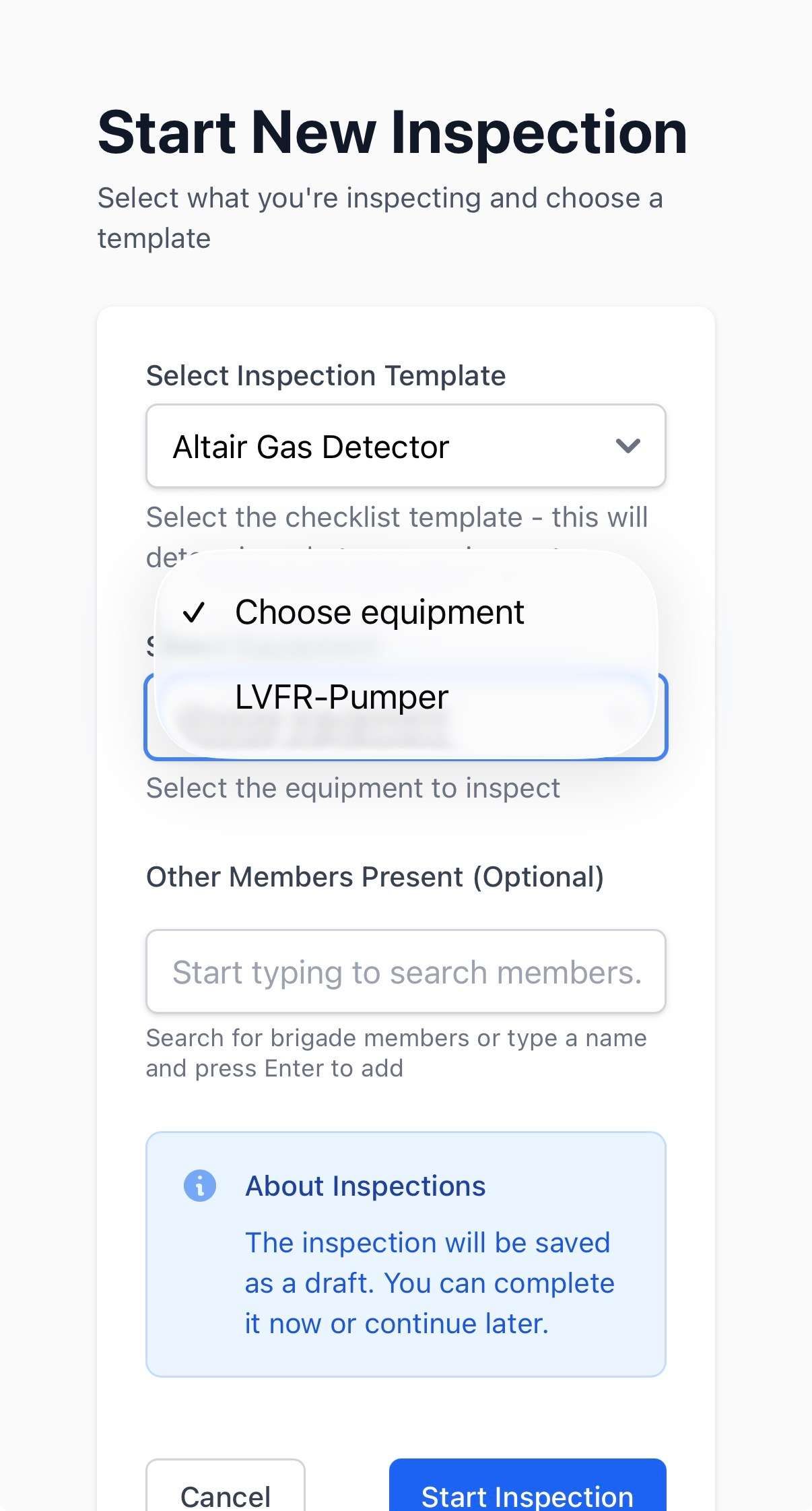
Please see the attached photos. All vehicle and equipment inspections are listed in the first dropdown menu. When a member selects an item in the first dropdown (for example, the BA Van), the second dropdown should ideally auto-populate with the same selection (i.e. BA Van). Similarly, if a member selects an item such as a gas detector (equipment) in the first dropdown, the second dropdown should default to “equipment.” Currently, it instead defaults to a different item, which can be confusing. To streamline the process, it would be helpful if the second dropdown either: - Automatically defaulted to the relevant vehicle or equipment associated with the first selection, or - Could be removed entirely if it’s not adding value. The other suggestion could be that the dropbox are swapped over where you can select the vehicle or equipment you want to inspect and the second dropbox will show the associated templates with that vehicle or equipment. If you select equipment from the first dropbox then it could show all the equipment that can be inspected. Thanks, Denis

Apr 14, 2026

Denis Vrabcek I have enabled vehicle access on your Station Portal. Members should be able to go to the portal, tap on vehicles and select an inspection to conduct related to that vehicle. For generic inspections, you can make these public to the portal, then members can go to inspections and select the Gas Detector for example, then select which Gas Detector to inspect (if more than 1).